You are offline. Booking and payment actions stay pending until the connection returns.

Chorely
Install appSign inRequest

Same account

Chorely on Telegram

Job alerts, accept and decline, and messages use the same bookings as the website and the phone apps.

The bot username is not set on the server yet.Customer mini appProvider mini app
  1. Open the bot and tap a guide.
  2. Create a link code in Settings, then send /link and the code.
  3. Providers use the full-width Accept, Decline, Details, and Ask buttons.
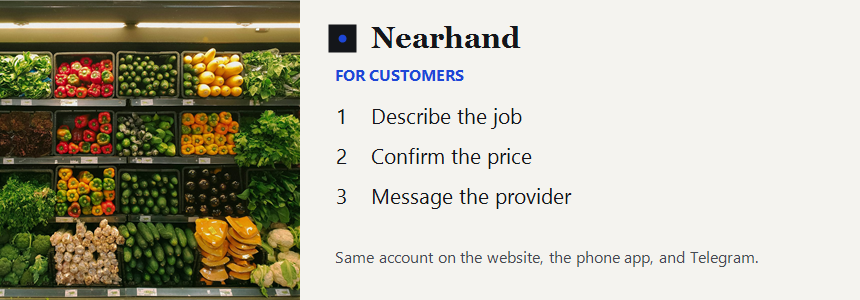
Chorely customer guide: describe the job, confirm the price, message the providerChorely provider guide: set your range, accept an eligible job, update the booking